> For the complete documentation index, see [llms.txt](https://docs.pollination.solutions/user-manual/llms.txt). Markdown versions of documentation pages are available by appending `.md` to page URLs; this page is available as [Markdown](https://docs.pollination.solutions/user-manual/revit-plugin/core-concepts-and-best-practices/managing-pollination-revit-license.md).
# Managing Pollination Revit License
You need to make sure to have access to a valid license to use the Pollination Revit plugin. If you haven't used the Revit plugin in the past, you can use a 30-day free trial to test the plugin. You will need to buy a Pollination Revit license to use the Pollination Revit plugin after the trial period.
In either case, you can use the Pollination License Manager to retrieve a license from a license pool or return the license to the license pool.
## Checking out a license from the license pool
To activate your license:
1. Go to the Pollination tab, and click on the License Manager button.\\
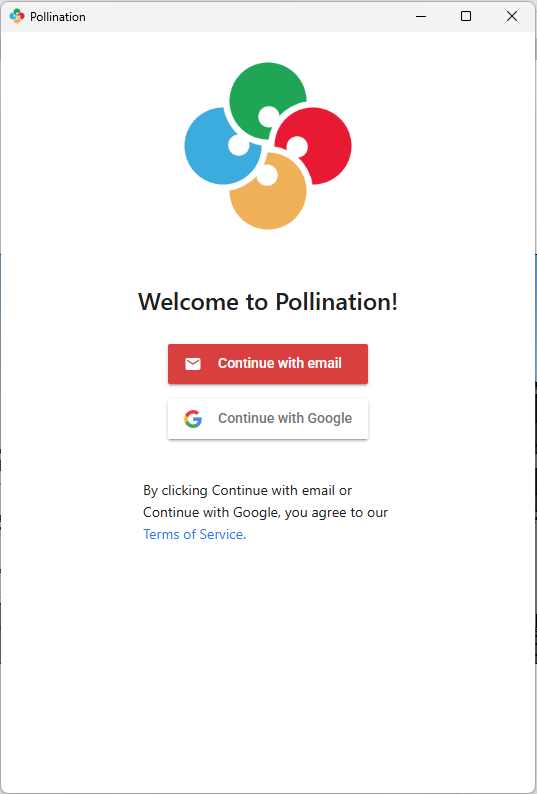
2. Click on the Sign in button, and sign in to your Pollination account using a web browser.\\
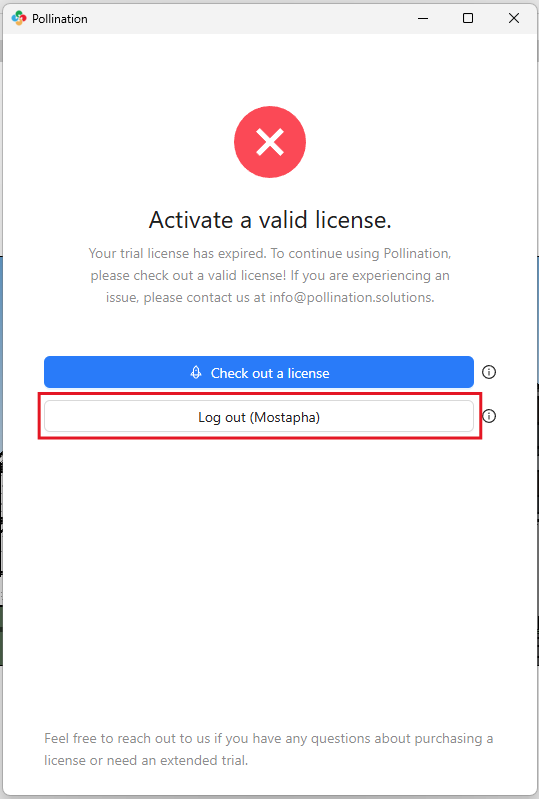
3. You should see your account name in the first button if the login is successful.\\
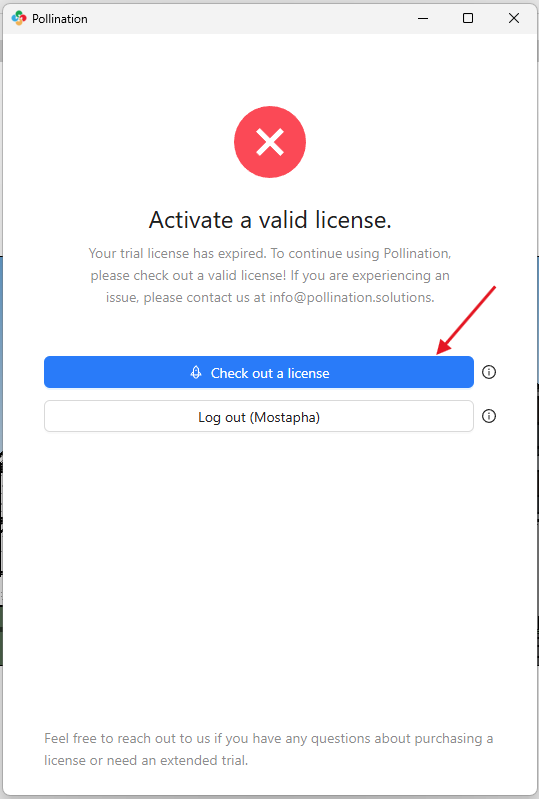
4. Click on Check out a license to check out a license from the license pool.\\
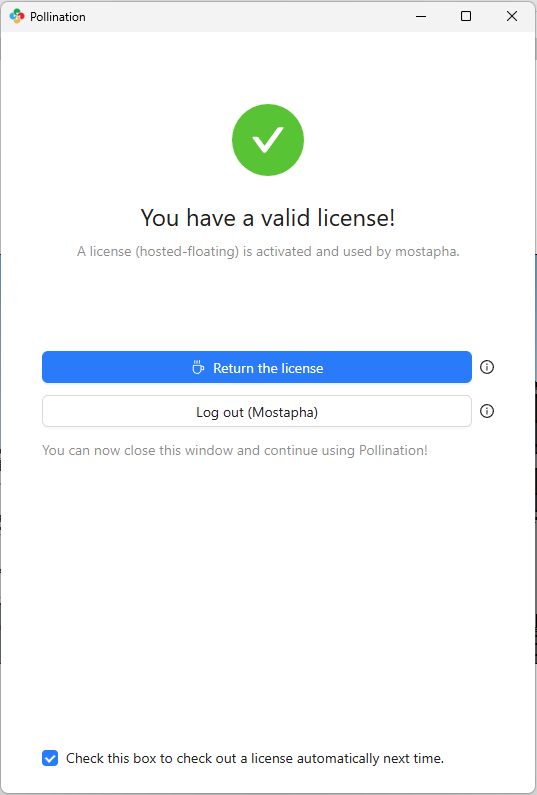
5. If successful, you will see a green text that says "Your license is valid!". You can close out the window and start using the plugin.\
\\
## Returning the license to the license pool
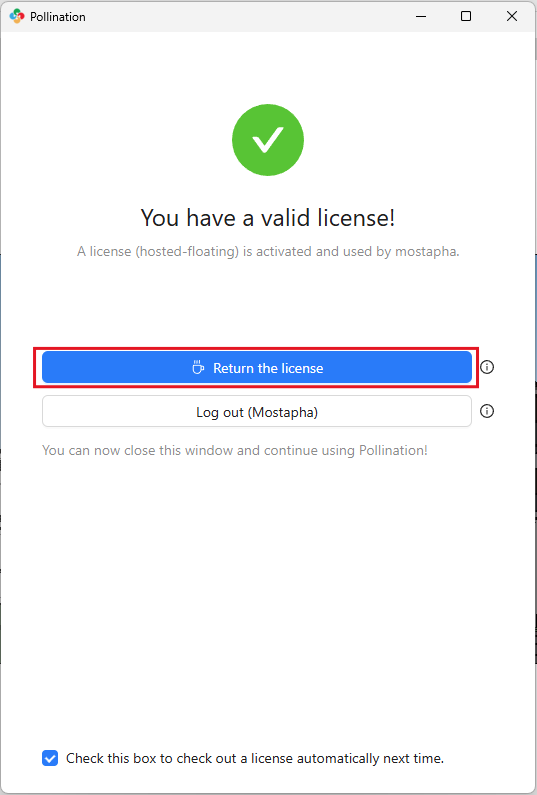
The Pollination Revit plugin *tries* to return the license to the license pool automatically when you close Revit. You can also use the License Manager to return the license to the license pool at any point. Click on the License Manager button, and click on Return License.\\
## Auto Activate option
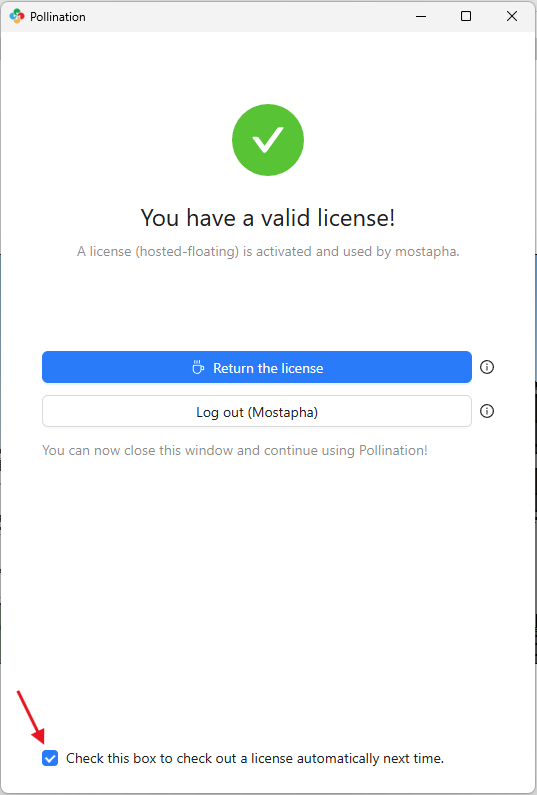
The License Manager provides an `Auto Activate` option for the users who use the plugin frequently.
If this option is selected, the plugin tries to check out a license from the license pool automatically every time the user opens Revit. This option is unchecked by default, and you should only select it if:
1. You use the plugin very frequently.
2. Your organization has enough licenses, so you don't block the other users from using Pollination.