> For the complete documentation index, see [llms.txt](https://docs.pollination.solutions/user-manual/llms.txt). Markdown versions of documentation pages are available by appending `.md` to page URLs; this page is available as [Markdown](https://docs.pollination.solutions/user-manual/rhino-plugin/pollination-commands/alphabetically/po_offsetchildobjects.md).
# PO\_OffsetChildObjects
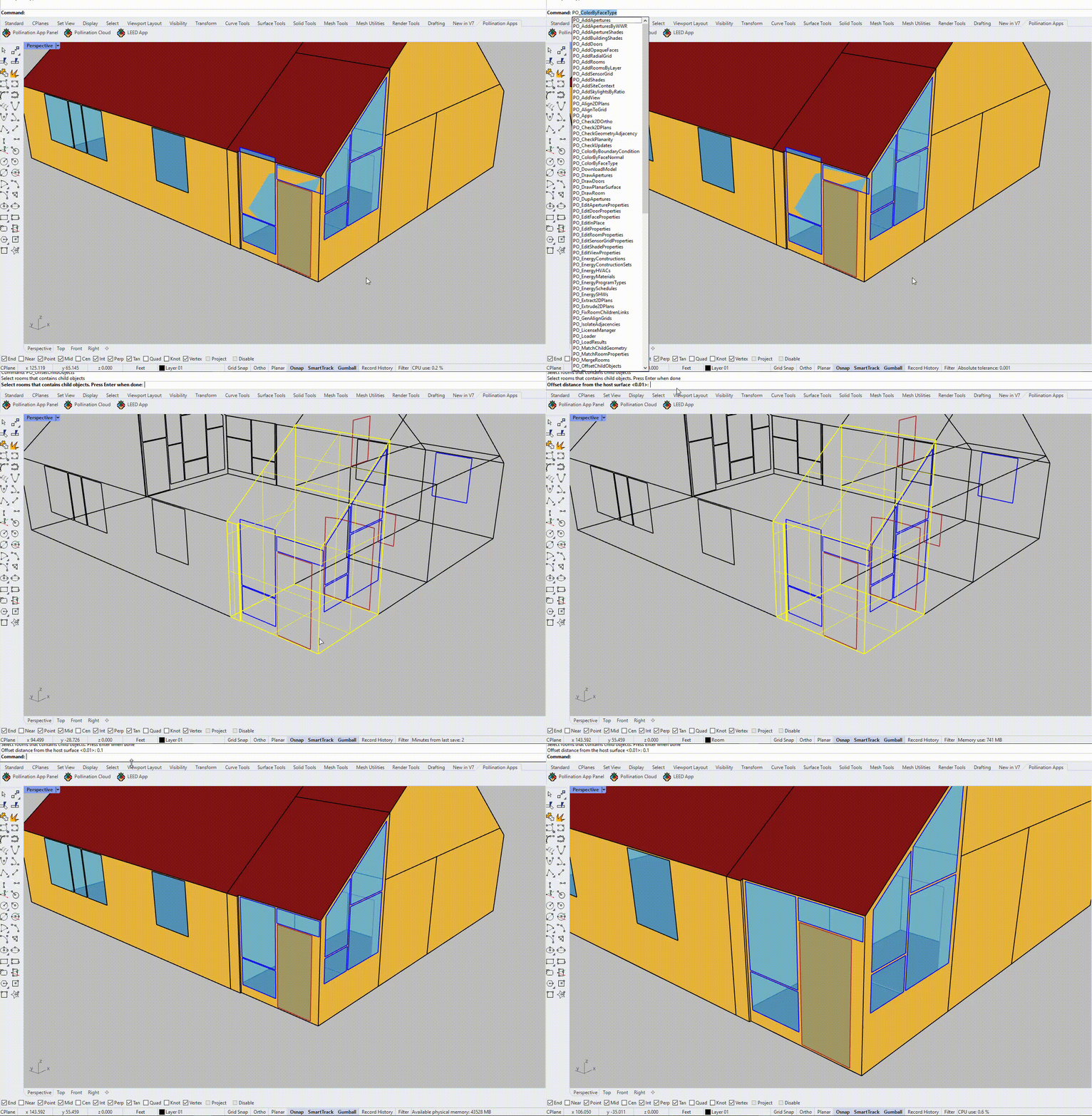
Offset all child objects (apertures and doors) of selected rooms to ensure they don't touch the edges of rooms. Only child object's edges that are within the `OffsetDistance` from their host room face's edge will be offsetted.
Notes:
* If the aperture has an edge coincident to an edge of the room it is not valid for energy simulation.
Offset child objects
## Options
* **IgnoreInsideEdges**
Set to Yes to ignore those edges are already inside the host room face boundary. Set to No to check all edges and ensure all of them are at least from the `OffsetDistance` of the host face boundary.
* **OffsetDistance**
A value that defines how far from the host room face's boundary that limits child's object
## See Also
* [PO\_ProjectChildToHost](/user-manual/rhino-plugin/pollination-commands/alphabetically/po_projectchildtohost.md)
## Video Tutorials
{% embed url="" %}
How to Fix Problematic Apertures
{% endembed %}