> For the complete documentation index, see [llms.txt](https://docs.pollination.solutions/user-manual/llms.txt). Markdown versions of documentation pages are available by appending `.md` to page URLs; this page is available as [Markdown](https://docs.pollination.solutions/user-manual/rhino-plugin/pollination-commands/alphabetically/po_aligninplan.md).
# PO\_AlignInPlan
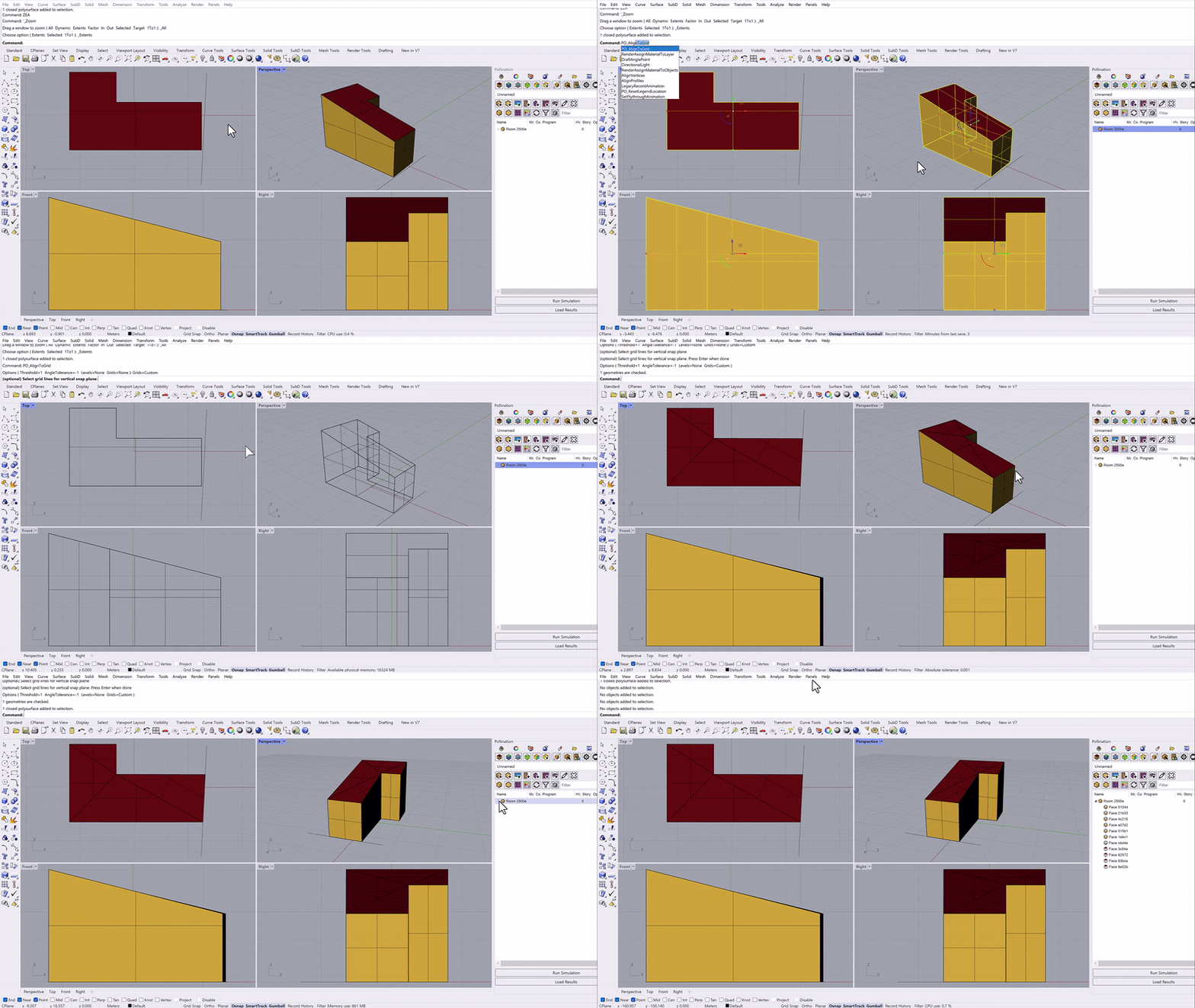
Align geometries (generic geometries or Pollination geometries) to a grid system. Non-planar faces will be triangulated.
This command automatically triangulates non-planar surfaces.
{% embed url="" %}
## Options
* **Threshold**
A distance tolerance for how far away from each grid line that a vertex should be affected and snapped to. Default 10x of document tolerance.
* **Angle Tolerance**
A degree number from 0 to 360 to filter each input geometry edges that have a angle difference from the grids. Input -1 to disable checking the angle tolerance. Default to the current document angle tolerance.
* **Snap Corners**
snap all vertices within the range of threshold to a closest corner (end point), instead of perpendicular to the grid lines.
## See Also
* [PO\_AlignToRoom](https://github.com/pollination/pollination-docs/tree/master/rhino-plugin/pollination-commands/po_aligntoroom.md)
* [PO\_RemoveShortSegments](/user-manual/rhino-plugin/pollination-commands/alphabetically/po_removeshortsegments.md)
* [PO\_AlignInElevation](/user-manual/rhino-plugin/pollination-commands/alphabetically/po_aligninelevation.md)
## Video Tutorials
{% embed url="" %}
Fix Models with Alignment Errors
{% endembed %}